

.jpg&w=3840&q=75)
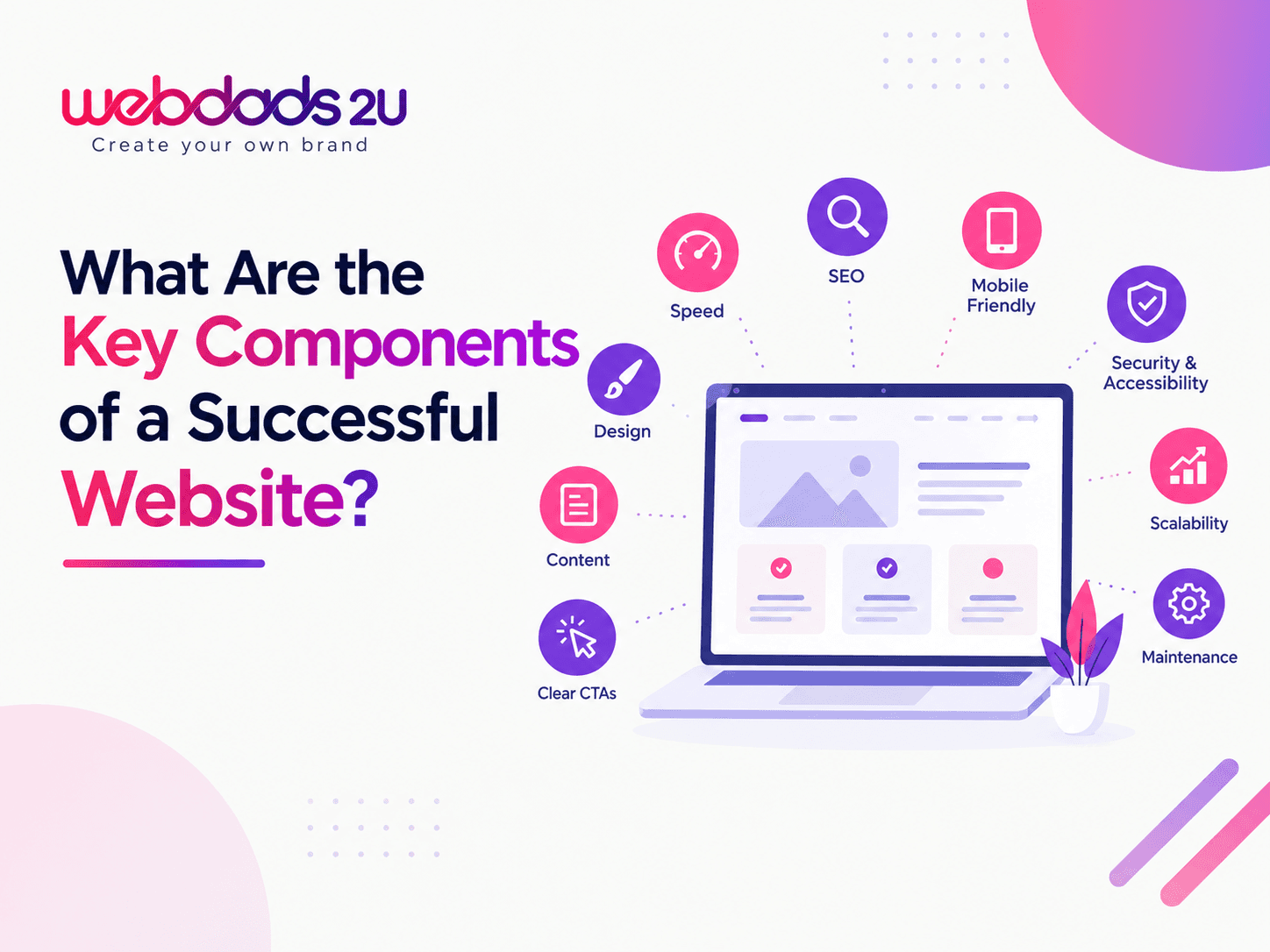
A user-friendly website is easy to use, simple to understand, and helpful for visitors. People should find what they need quickly without confusion. In today’s digital world, a website must give a smooth and pleasant experience. A good website keeps visitors happy and encourages them to stay longer and explore more.
Simple and Clean Design
A clean design makes a website easy to read and use. Too many colors, images, or text can confuse visitors. A simple layout helps people focus on important information. Clear sections, proper spacing, and neat design make the website look professional and easy to understand.
Easy Navigation
Navigation means how people move around your website. A user-friendly website has clear menus and links. Visitors should find pages like Home, Services, and Contact easily. Simple navigation saves time and helps users explore your website without getting lost or frustrated.
Fast Loading Speed
People do not like slow websites. If a page takes too long to load, visitors may leave quickly. A fast website keeps users happy and improves their experience. Speed also helps your website rank better on search engines, bringing more visitors to your business.
Mobile-Friendly Design
Most people use mobile phones to browse websites. A user-friendly website works well on all screen sizes. Text should be easy to read, and buttons should be easy to click. A mobile-friendly design helps you reach more users and gives a better experience.
Clear and Simple Content
Content should be easy to read and understand. Avoid long and complex sentences. Use simple words and short paragraphs. Headings and bullet points help people scan information quickly. Clear content helps visitors understand your message and take action easily.
Good Use of Colors and Fonts
Colors and fonts play a big role in user experience. Use colors that match your brand and are easy on the eyes. Choose simple fonts that are easy to read. Good color contrast helps users read content clearly without any strain.
Clear Call-to-Action (CTA)
A call-to-action tells visitors what to do next. It can be buttons like “Contact Us” or “Buy Now.” A user-friendly website uses clear and visible CTAs. This helps visitors take action quickly and improves your chances of getting more customers.
Helpful Images and Visuals
Images and visuals make a website more attractive. They help explain your products or services better. Use high-quality images that match your content. Avoid too many images, as it can slow down your website and confuse users.
Easy Contact Options
Visitors should easily find how to contact you. Add contact forms, phone numbers, and email details clearly. A simple contact section builds trust and helps customers reach you quickly. Easy communication improves user experience and increases customer engagement.
Website Security
A secure website protects user data. People feel safe when they see security signs like HTTPS. Security builds trust and confidence. A user-friendly website always keeps user information safe and ensures a secure browsing experience for all visitors.
Consistent Design Across Pages
All pages on your website should look similar. Use the same colors, fonts, and style everywhere. Consistency helps users feel comfortable and understand your website better. It also makes your brand look professional and well-organized.
Choose the Right Web Experts
Creating a user-friendly website needs proper planning and skills. Webdads2u builds clean, fast, and easy-to-use websites for businesses. The team focuses on simple design, smooth navigation, and mobile-friendly layouts. This helps businesses create better user experiences and attract more customers online without any confusion.
Conclusion
Is your website easy for visitors to use? If not, you may lose many customers. A user-friendly website helps people stay longer, understand your business, and take action. Simple design, fast speed, and easy navigation make a big difference. Improving user experience is the key to success online
Solomon
Content Author · WEBDADS2U
Writing about software development, ERP systems, CRM solutions, and business technology at WEBDADS2U.
.png&w=3840&q=75)
.jpg&w=3840&q=75)
.jpg&w=3840&q=75)